

Shorty Awards

4.8 out of 5

Capterra
4.3 out of 5

Awards
4.9 out of 5

Capterra
4.6 out of 5

Crowd
4.5 out of 5
Wondershare Filmora — Named One of the Best Video Editors
Create with AI. From Idea to Video in Minutes.
Turn your text, image, or audio into editable, share-ready videos automatically — designed for social media and storytelling.
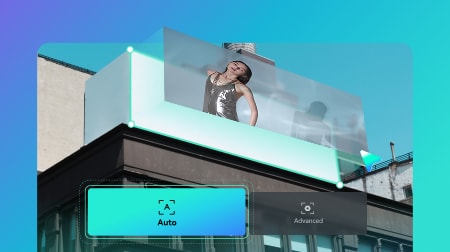
Expand your clips naturally with AI-predicted motion and smooth transitions that fill missing moments seamlessly.
Generate accurate, dynamic captions automatically and translate them into multiple languages to reach a global audience.
Repurpose a long video into multiple platform-ready shorts for YouTube, TikTok, or Reels.
Create with AI. From Idea to Video in Minutes.
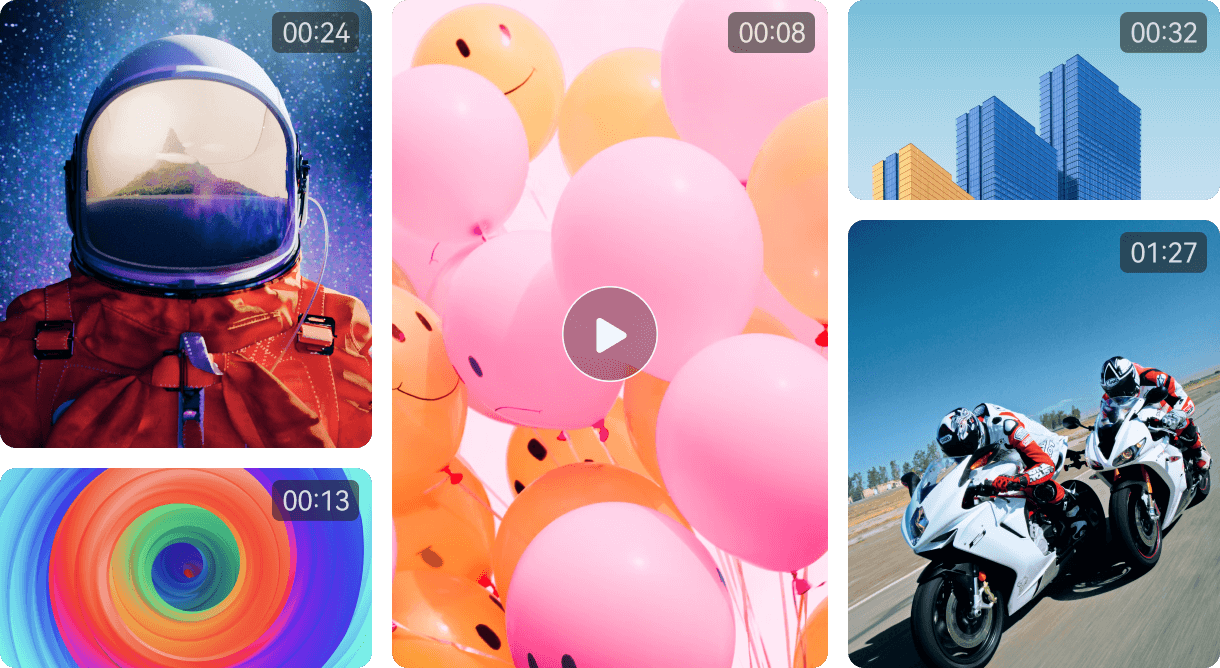
Create standout videos for any platform with 2.9M+ creative assets, from effects to ready-made templates
Create with AI. From Idea to Video in Minutes.
Turn your text, image, or audio into editable, share-ready videos automatically — designed for social media and storytelling.
Expand your clips naturally with AI-predicted motion and smooth transitions that fill missing moments seamlessly.
Generate accurate, dynamic captions automatically and translate them into multiple languages to reach a global audience.
Repurpose a long video into multiple platform-ready shorts for YouTube, TikTok, or Reels.
Create with AI. From Idea to Video in Minutes.
Launch our video editing software and start a new project. Import your media files or use built-in resources to begin editing.
Cut, crop and trim your videos. Drag and drop elements, texts, audio and more into the timeline to create your videos.
review your videos and finalize changes, then export the finished files or share them on social media.
Shrink file sizes intelligently while preserving resolution and bitrate for fast uploadsand platform-ready delivery.
Enrich Your Video Content With Creative Assets
Create standout videos for any platform with 2.9M+ creative assets, from effects to ready-made templates.


Have Any Questions?
Millions of creators chose Filmora as their video editor. Not only is Filmora simple to use, but we also offer over 15 million built-in stock media assets and an assortment of professional level video effects to elevate your content. Additionally, Filmora has a comprehensive suite of features aimed at professionals and enthusiasts alike. Custom templates, AI-powered automation and one click drag and drop editing offer users effortless video editing solutions and help them create stunning video content.
Filmora supports Windows, macOS, Android, iOS, and iPadOS operating systems. The video editing tool works and looks the same as desktop software and as a mobile app.
Filmora for Windows supports Windows 11 and below and requires:
CPU: Intel i5 or better, 2GHz+. (Intel 6th Gen or newer recommended)
RAM: 8 RAM (16GB required for HD and 4K videos)
GPU: Intel HD Graphics 5000 or later; NVIDIA GeForce GTX 1050 Ti or later; AMD Radeon RX R5 or later. Please keep your graphics driver updated.
Disk:10GB free hard-disk space (SSD recommended for editing HD and 4K videos). Check full tech specs on: https://filmora.wondershare.com/tech-spec.html.
Supported import formats: MP4, MOV, TS, WebM, MPEG-2, 3GP, MTS, FLV, MKV, WMV, and AVI.
Supported export formats: MP4, MPEG2, WebM, 3GP, TS, FLV, MKV, WMV, AVI, and MOV.

Get Started with Filmora Today
Create standout videos for any platform with 2.9M+ creative assets, from effects to ready-made templates
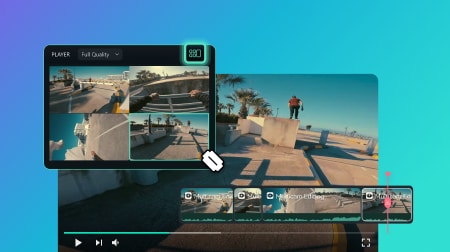
Sed libero enim sed faucibus turpis. Facilisi nullam vehicula.
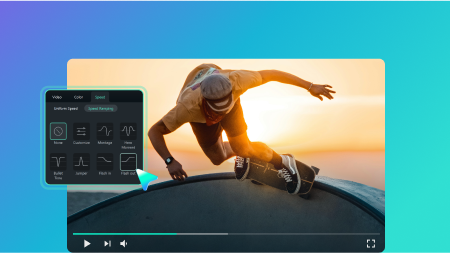
Convallis a cras semper auctor neque vitae tempus pellentesque.
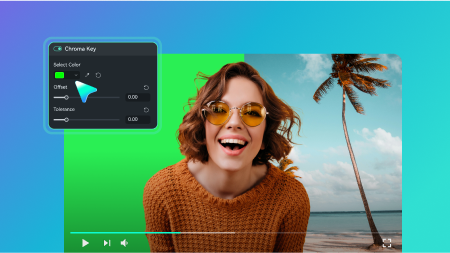
Consectetur libero id faucibus nisl tincidunt eget nullam non.
Orci a scelerisque purus semper eget duis at tellus.